


What are the installation methods for embedded industrial control all-in-one computers?
2026-05-23
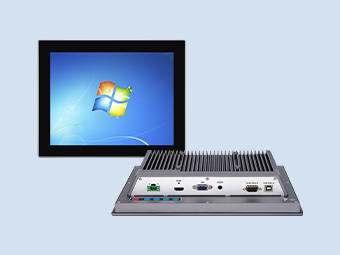
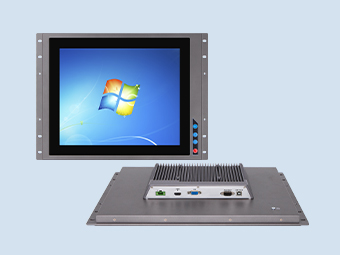
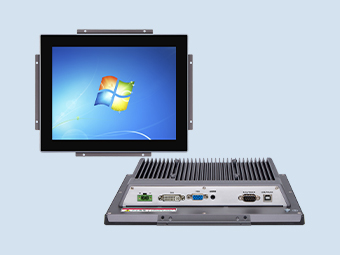
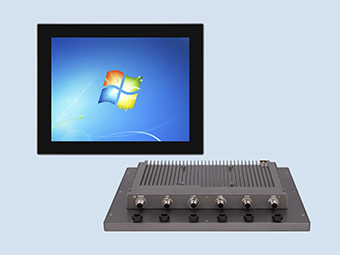
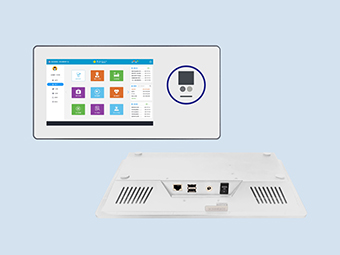
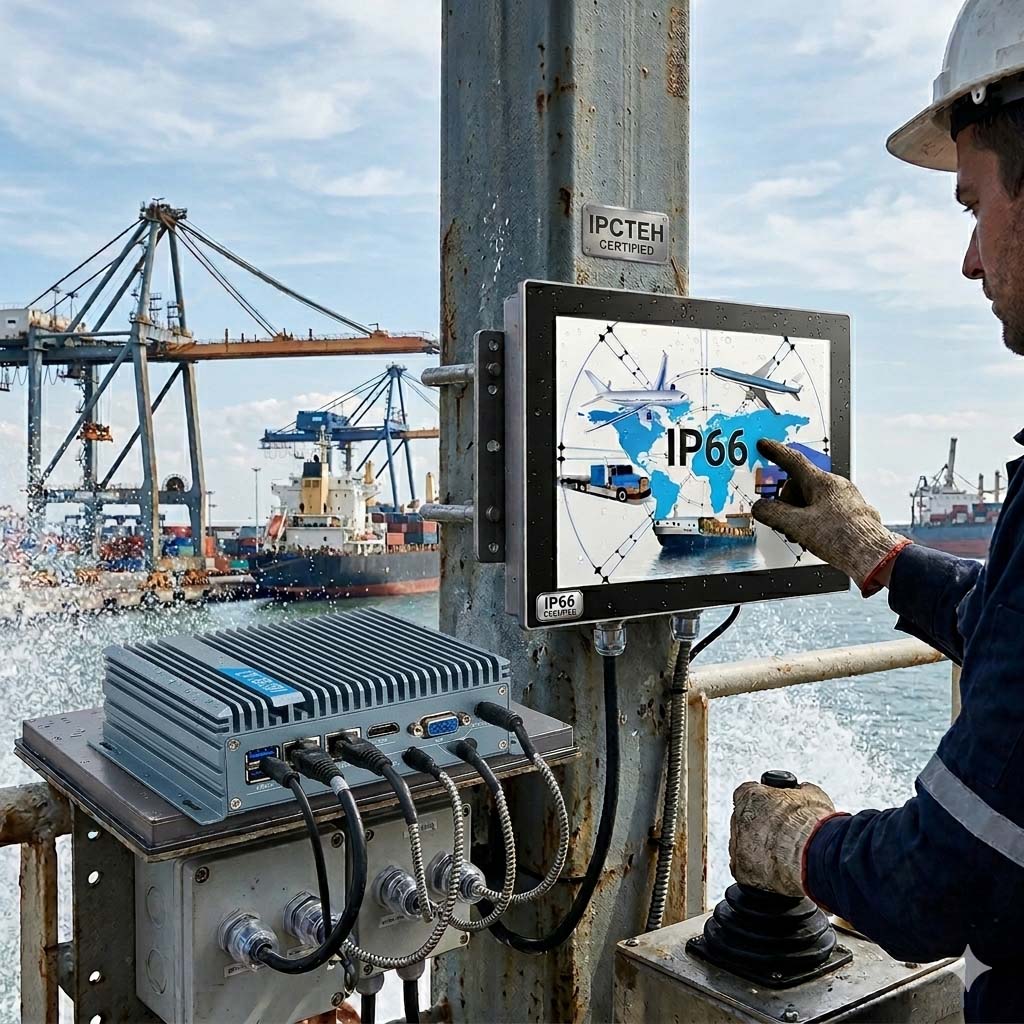
Industrial panel PCs are all-in-one computers used in industrial fields. They are popular due to their waterproof, dustproof, shockproof, electromagnetic interference resistant, stable performance, and ability to operate for extended periods. Ipctech's industrial panel PC technology is mature and used in more than 10 industries. However, many people are still unfamiliar with the installation methods and usage precautions for embedded industrial panel PCs. Below, Ipctech technicians will introduce them to you.
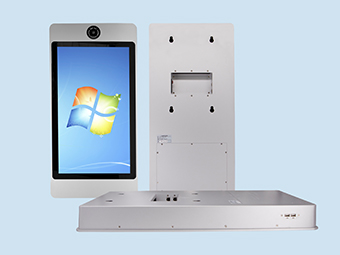
Ipctech industrial computers offer six installation methods: embedded, desktop (louvered bracket), desktop (aluminum alloy base), cantilever, wall-mounted, and overhead.
Different installation methods can precisely match the layout characteristics of different industries and sites, achieving efficient space utilization and convenient operation. In intelligent manufacturing production lines, embedded installation can be used to seamlessly integrate the ipctech all-in-one machine with the production line equipment, saving space and preventing equipment damage from collisions, while adapting to the automated operation process of the production line. In front of the operating table in warehousing and logistics, desktop installation (louvered/aluminum alloy base) can be selected, which can be placed directly on the operating table, making it convenient for staff to perform data entry, order inquiry, equipment operation and other operations. The aluminum alloy base also has anti-slip and shock-resistant features to ensure equipment stability. Next to industrial machinery and power control cabinets, cantilever or boom installation can be used, which can flexibly adjust the viewing angle and height of the equipment, allowing staff to complete the operation without bending over or moving, improving work efficiency. In communication room and monitoring room with limited space, wall-mounted installation can make full use of wall space, making the site layout more tidy and facilitating equipment management and maintenance.
I. Installation Method of IPCTech Industrial Panel PC
1. Place the unit flat on a stable surface and accurately embed the base into the unit.
2. Tighten the screws, screwing them into the holes and confirming they are secure.
3. Before cleaning the embedded industrial panel PC screen, stop using the equipment and unplug the power cord to ensure the equipment is powered off. Never use sprays directly on the screen.
4 The touchscreen should be cleaned regularly. If there is dust or dirt on the surface, it can be wiped with a towel or a soft material. It is recommended to use a cleaning agent that is non-corrosive to glass.
II. Precautions for Using IPCTech Industrial Panel PCs
1. Since embedded industrial panel PCs are commonly used in public places, unstable voltage may damage the equipment. It is recommended to use a stable mains power supply and never share a power source with high-power equipment such as elevators.
2. Place the embedded industrial panel PC in a well-ventilated, dry environment away from direct sunlight. Do not allow the equipment to get wet or damp. Leave at least 250px of space around the equipment for heat dissipation. To ensure normal operation, the continuous switching time should be no less than 10 seconds. Exercise extra caution when using it near swimming pools, bathrooms, kitchens, etc.
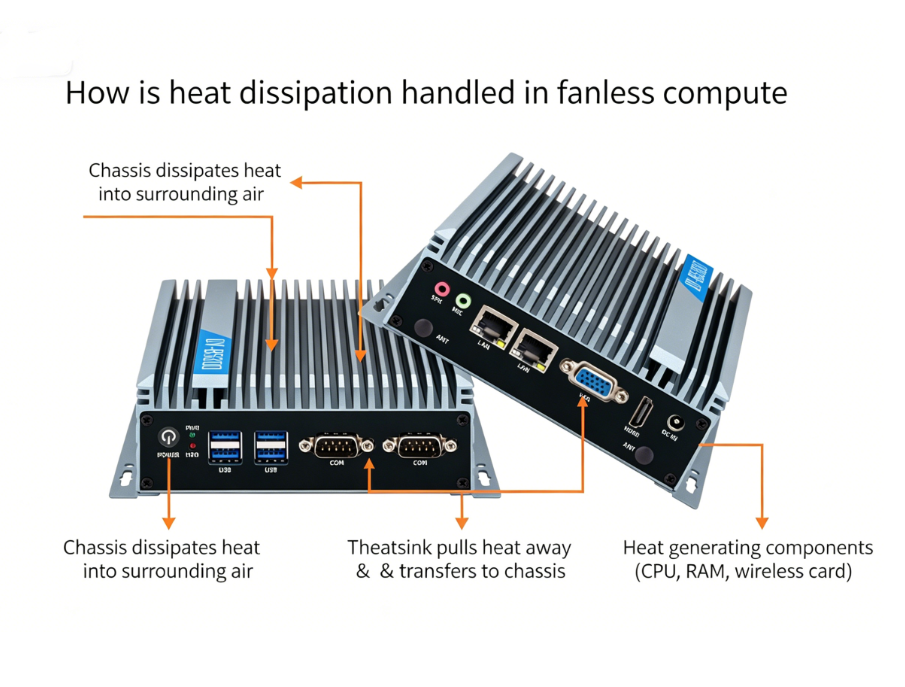
3. Do not place the embedded industrial panel PC in a sealed location, or cover the equipment or block its ventilation holes, as this may cause damage due to overheating of the chassis during operation.
4. Before connecting the power, always check that the host, industrial monitor, and touchscreen are properly connected. Only turn on the power after confirming that everything is correct.
5. Please use the mounting components and accessories specified by the industrial panel PC manufacturer. Avoid stepping on or clamping the AC power cord, plug, or power adapter.
6. Do not attempt to disassemble or repair the embedded industrial panel PC yourself, as this may result in electric shock or other hazards. The correct procedure is to have all repairs performed by qualified professionals.
7. Unplug the power cord during thunderstorms or when not in use for extended periods. During transportation and use, avoid touching the LCD screen. Do not forcefully squeeze the LCD screen, and do not allow sharp or hard objects to cut or damage it.
8. The embedded industrial panel PC should not be placed in a sealed environment. Ensure good ventilation to prevent damage from excessively high internal temperatures during operation.
9. Before connecting the power supply, ensure that the server, display, and touchscreen are correctly connected. Only turn on the power after confirming everything is correct.
Ipctech industrial computers offer six installation methods: embedded, desktop (louvered bracket), desktop (aluminum alloy base), cantilever, wall-mounted, and overhead.
Different installation methods can precisely match the layout characteristics of different industries and sites, achieving efficient space utilization and convenient operation. In intelligent manufacturing production lines, embedded installation can be used to seamlessly integrate the ipctech all-in-one machine with the production line equipment, saving space and preventing equipment damage from collisions, while adapting to the automated operation process of the production line. In front of the operating table in warehousing and logistics, desktop installation (louvered/aluminum alloy base) can be selected, which can be placed directly on the operating table, making it convenient for staff to perform data entry, order inquiry, equipment operation and other operations. The aluminum alloy base also has anti-slip and shock-resistant features to ensure equipment stability. Next to industrial machinery and power control cabinets, cantilever or boom installation can be used, which can flexibly adjust the viewing angle and height of the equipment, allowing staff to complete the operation without bending over or moving, improving work efficiency. In communication room and monitoring room with limited space, wall-mounted installation can make full use of wall space, making the site layout more tidy and facilitating equipment management and maintenance.
I. Installation Method of IPCTech Industrial Panel PC
1. Place the unit flat on a stable surface and accurately embed the base into the unit.
2. Tighten the screws, screwing them into the holes and confirming they are secure.
3. Before cleaning the embedded industrial panel PC screen, stop using the equipment and unplug the power cord to ensure the equipment is powered off. Never use sprays directly on the screen.
4 The touchscreen should be cleaned regularly. If there is dust or dirt on the surface, it can be wiped with a towel or a soft material. It is recommended to use a cleaning agent that is non-corrosive to glass.
II. Precautions for Using IPCTech Industrial Panel PCs
1. Since embedded industrial panel PCs are commonly used in public places, unstable voltage may damage the equipment. It is recommended to use a stable mains power supply and never share a power source with high-power equipment such as elevators.
2. Place the embedded industrial panel PC in a well-ventilated, dry environment away from direct sunlight. Do not allow the equipment to get wet or damp. Leave at least 250px of space around the equipment for heat dissipation. To ensure normal operation, the continuous switching time should be no less than 10 seconds. Exercise extra caution when using it near swimming pools, bathrooms, kitchens, etc.
3. Do not place the embedded industrial panel PC in a sealed location, or cover the equipment or block its ventilation holes, as this may cause damage due to overheating of the chassis during operation.
4. Before connecting the power, always check that the host, industrial monitor, and touchscreen are properly connected. Only turn on the power after confirming that everything is correct.
5. Please use the mounting components and accessories specified by the industrial panel PC manufacturer. Avoid stepping on or clamping the AC power cord, plug, or power adapter.
6. Do not attempt to disassemble or repair the embedded industrial panel PC yourself, as this may result in electric shock or other hazards. The correct procedure is to have all repairs performed by qualified professionals.
7. Unplug the power cord during thunderstorms or when not in use for extended periods. During transportation and use, avoid touching the LCD screen. Do not forcefully squeeze the LCD screen, and do not allow sharp or hard objects to cut or damage it.
8. The embedded industrial panel PC should not be placed in a sealed environment. Ensure good ventilation to prevent damage from excessively high internal temperatures during operation.
9. Before connecting the power supply, ensure that the server, display, and touchscreen are correctly connected. Only turn on the power after confirming everything is correct.
Recommended


.jpg)