


How to Choose Between Resistive and Capacitive Touchscreens?
2025-11-03
Working Principle
Resistive Touchscreen
Structure: Typically composed of two layers of conductive film separated by air or insulating material. When the screen is pressed, the upper and lower films make contact, forming a conductive path.
Principle: Determines touch coordinates by measuring the position of the contact point between the two films. Since physical pressure is required to trigger the response, it is termed a “resistive” touchscreen.
Translated with DeepL.com (free version)
Advantages:
Relatively low cost, suitable for cost-sensitive applications.
Can be operated using any object, such as styluses, fingernails, etc.
Performs well in harsh environments (e.g., humid, dusty conditions) as it requires no exposed conductive surfaces.
Disadvantages:
Requires a certain amount of pressure to activate, offering less responsive tactile feedback than capacitive screens.
Long-term use may cause accuracy degradation due to wear.
Limited multi-touch support, typically recognizing only single-point input.
Capacitive Touchscreen
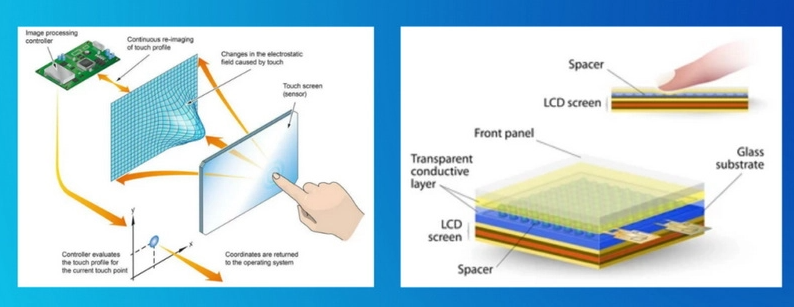
Structure: Consists of a glass panel with a transparent conductive film (such as ITO) bonded to its surface. The conductive film contains numerous microscopic capacitor arrays.
Principle: Utilizes the human body as a conductor. When a finger or other conductor approaches the screen, it alters the local capacitance distribution, thereby detecting the touch location. This technology requires no physical pressure—a light touch is sufficient for response.
Advantages:
Responsive touch sensitivity, requiring minimal pressure to activate.
Supports multi-touch input, detecting multiple fingers simultaneously.
Ideal for gestures such as swiping and zooming.
Different application
Resistive Touchscreens
Commonly used in industrial control equipment, self-service terminals, POS machines, and other applications requiring durability and broad compatibility.
Also suitable for applications like handwriting recognition and signature pads, as they enable precise input using a stylus.
Capacitive Touchscreens
Widely adopted in consumer electronics like smartphones, tablets, and laptops.
Ideal for applications requiring frequent gesture operations and multi-touch functionality.
In summary, resistive and capacitive touchscreens each possess distinct advantages and limitations. When selecting a touchscreen type, decisions should be made by weighing the specific requirements of the application scenario.
Irreplaceability in Industrial and Specialized Settings
Adaptability in Extreme Environments: In high-temperature, low-temperature, oily, or dusty settings (e.g., factory workshops, outdoor equipment, medical sterilization rooms), resistive touchscreens' physical pressure-triggered mechanism remains superior to capacitive screens.
Precision Touch Requirements: For scenarios demanding high-precision stylus operation (with error margins controllable within ±1mm)—such as medical devices and POS terminals—resistive screens paired with fine-tip styluses remain the preferred choice.
Cost-Sensitive Devices: In cost-critical sectors like low-end industrial control panels and educational toys, four-wire resistive screens retain market viability due to their low-cost advantage (approximately one-third the price of capacitive screens).
Technology Evolution Path
Resistive screens will retreat to specific industrial niches as “hidden champions,” while capacitive screens will continue evolving toward flexibility, intelligence, and multimodal interaction.
Service Life and Usage Scenarios
Resistive Screen Lifespan: Approximately 1 million presses
Resistive screens (resistive touchscreens) and capacitive screens (capacitive touchscreens) exhibit significant differences in lifespan, primarily influenced by their operating principles and physical structures.
Resistive screens consist of two flexible conductive layers (ITO coating). When pressed, contact between the layers generates a signal. Repeated pressure causes wear on the ITO coating, eventually leading to touch failure, area displacement, or localized unresponsiveness.
Capacitive Screen Lifespan: Theoretically no mechanical wear
Contactless operating principle
Capacitive screens trigger responses through sensing the human body's electric field, with no physical deformation of the screen. Their lifespan primarily depends on:
Outer glass strength and aging of circuit components (IC chips, sensors)
Industrial Control Applications
Scenarios Where Resistive Touchscreens Are PreferredHeavy industrial workshops
Low-temperature/outdoor equipment
Scenarios Where Capacitive Touchscreens Are Preferred
Cleanrooms/precision manufacturing
Complex human-machine interaction systems
Long-term maintenance-free scenarios
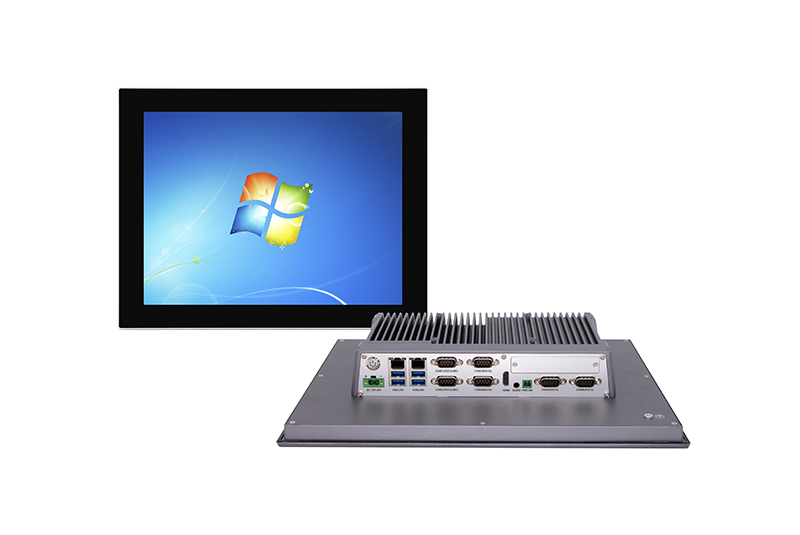
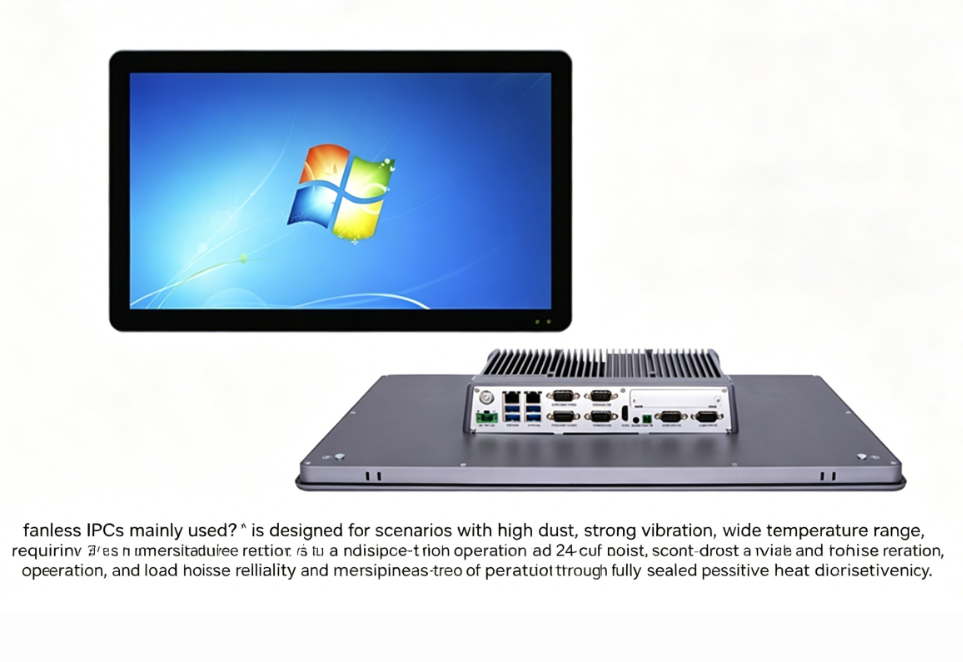
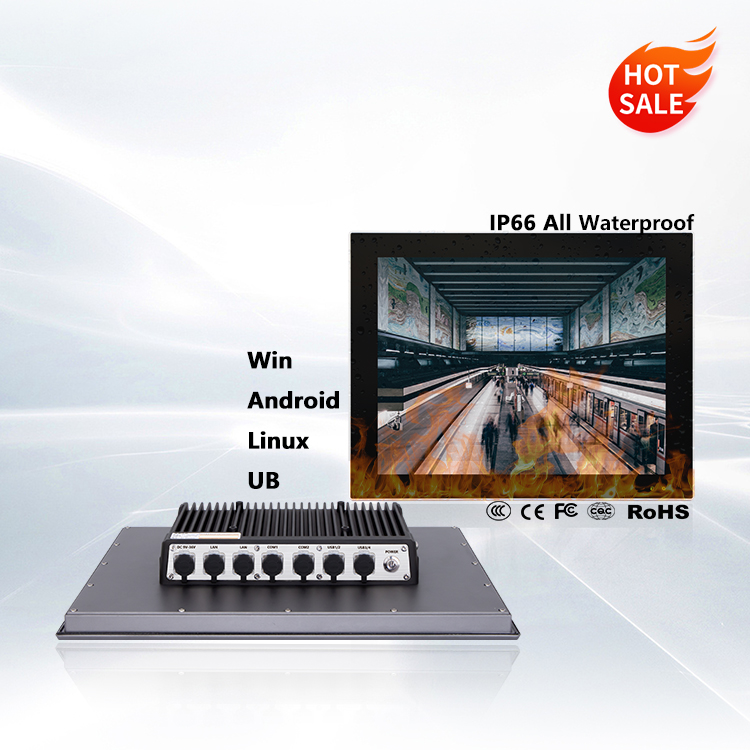
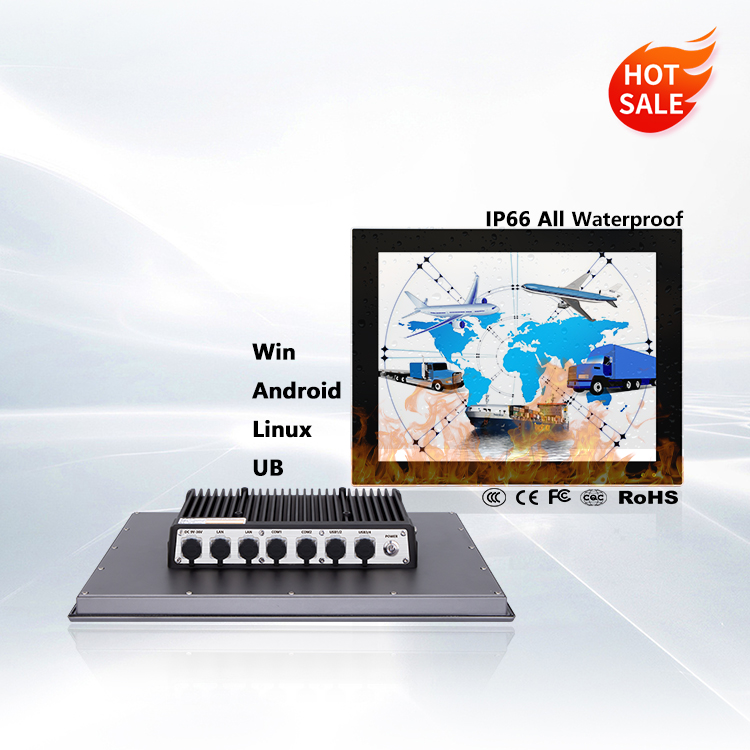
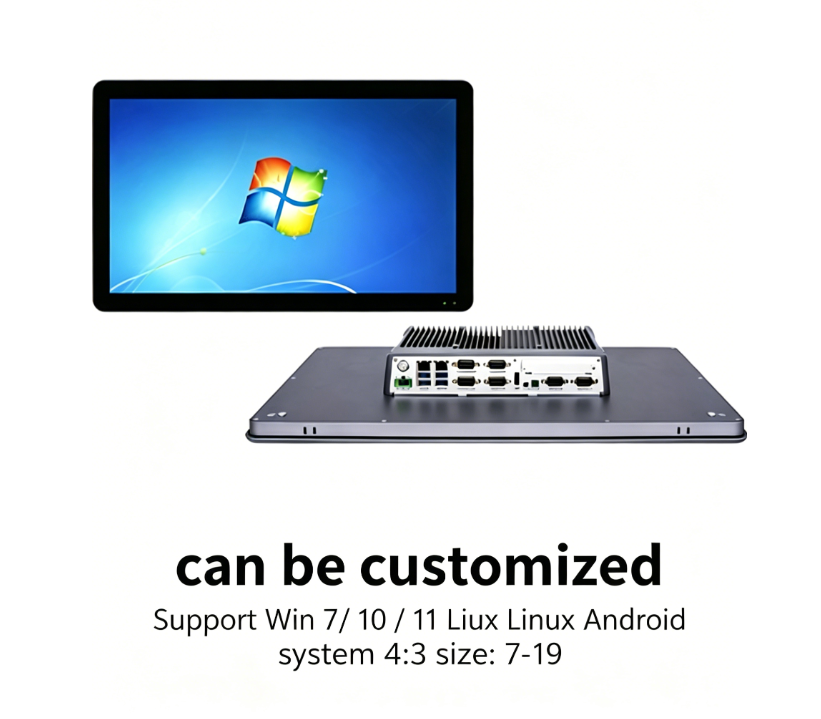
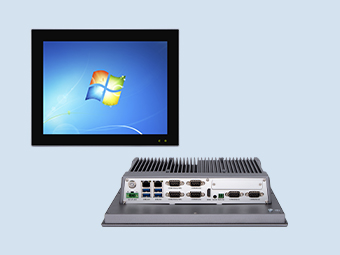
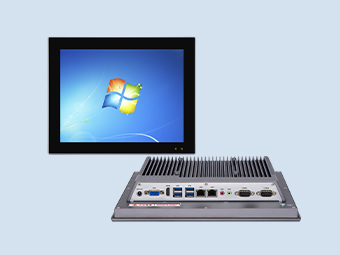
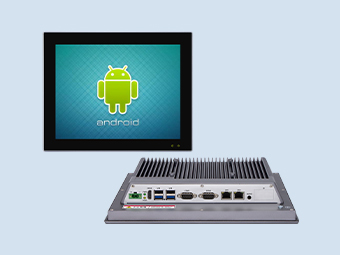
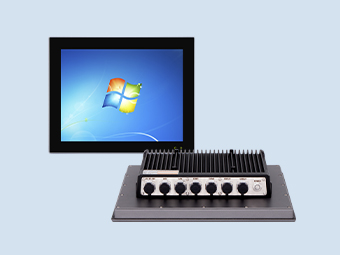
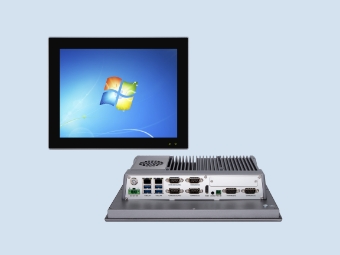
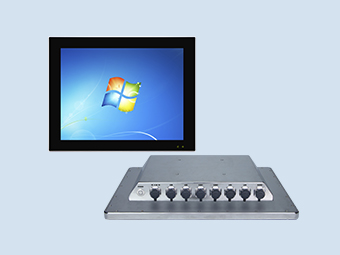
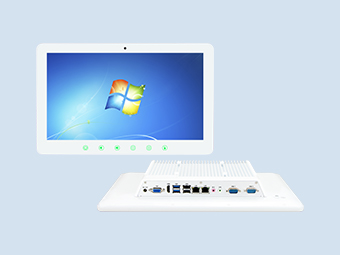
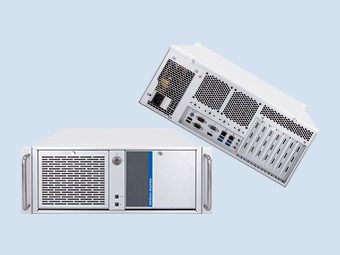
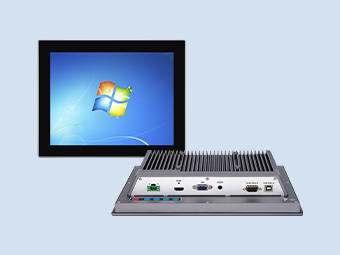
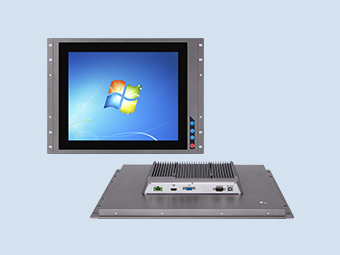
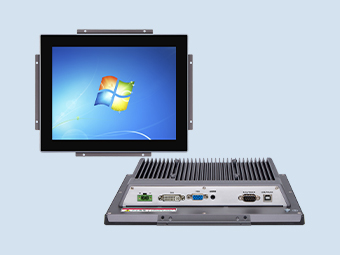
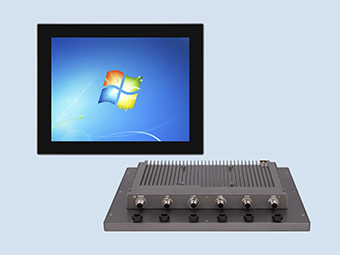
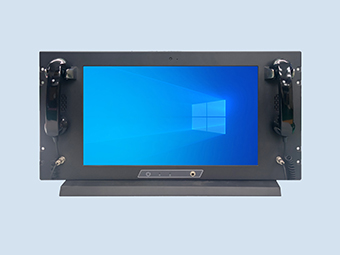
The P8000 Series new-generation industrial panel PC features a modular design with capacitive touch/resistive touch options.
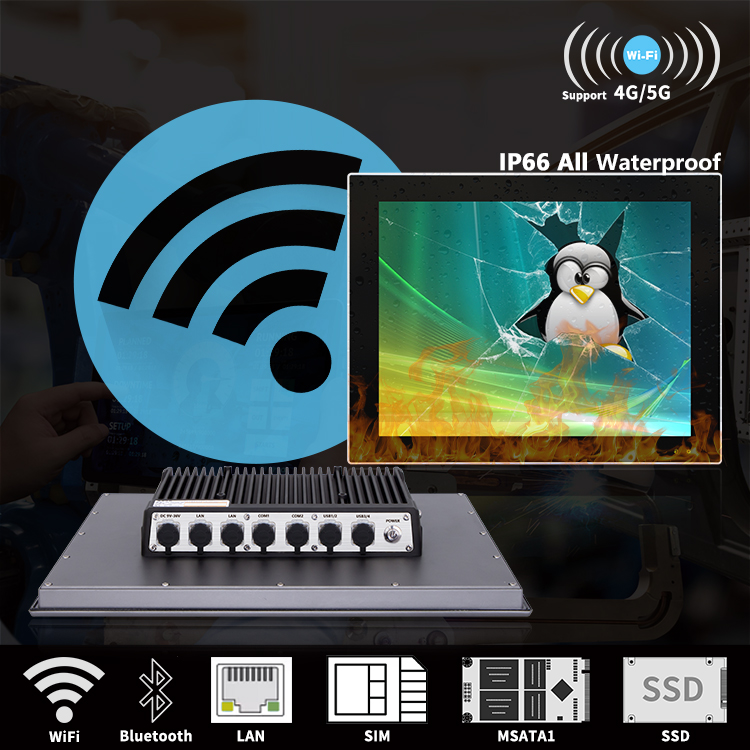
It offers excellent dust resistance, heat resistance, vibration resistance, EMC performance, high system reliability, and robust environmental adaptability.
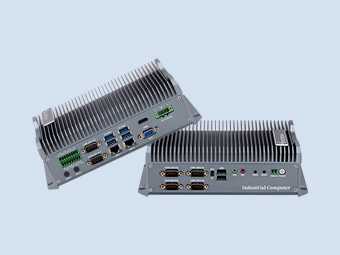
The connection between the panel and the host employs a reliable modular design and wireless relay links. Through flexible matching, it allows selection of multi-specification all-in-one units and single hosts without altering the original site configuration.
Recommended