


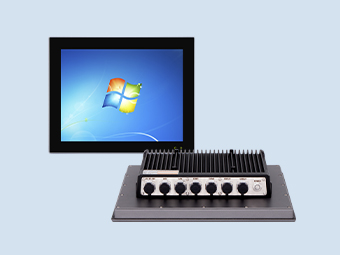
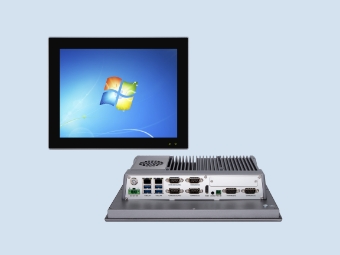
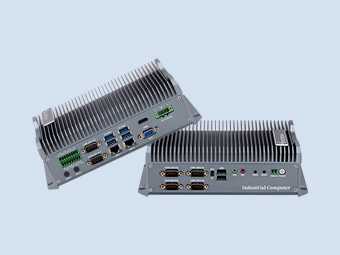
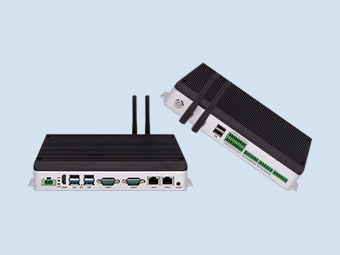
How do we install the industrial computer onto our equipment?
2026-04-30
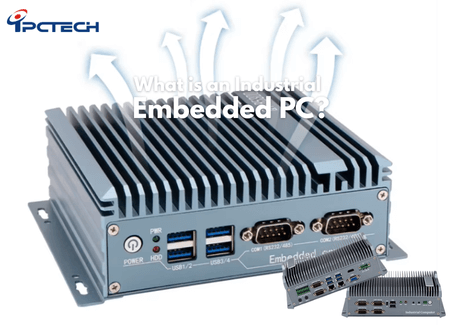
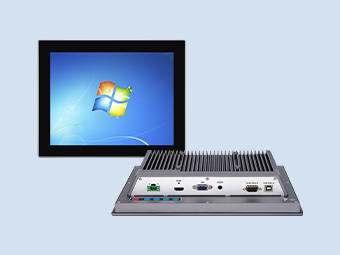
Various options are available for mounting industrial computers (IPCs) to ensure they remain secure and out of the way, including wall mounting, VESA mounting, DIN rail mounting, and rack mounting.
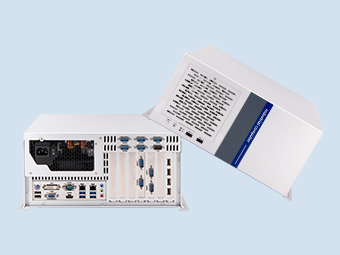
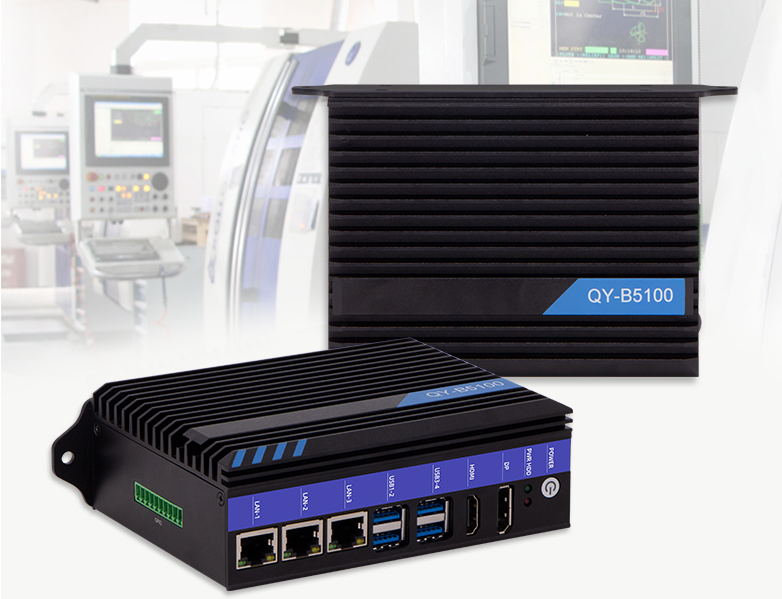
Wall-Mounted Industrial Computers
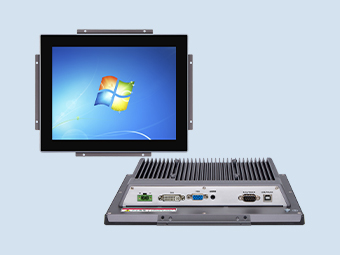
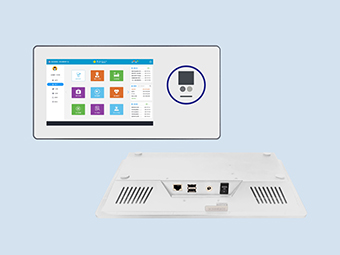
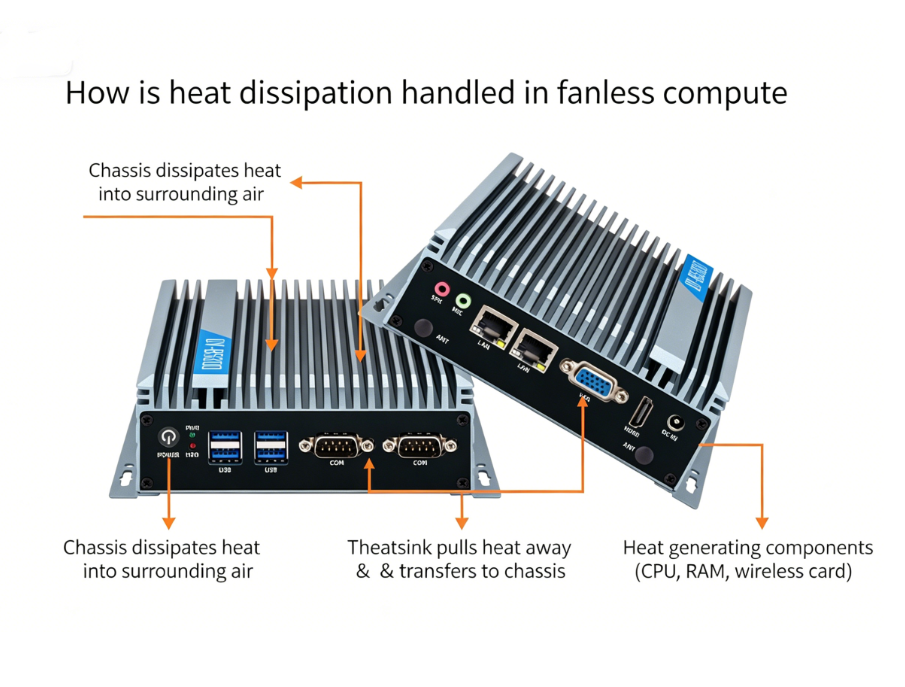
Wall mounting is one of the most common methods for installing a PC. These mounts are designed to utilize two mounting ears extending from the system, allowing you to securely affix your unit to any flat surface. This provides a flexible way to deploy your PC and securely anchor your hardware exactly where it is needed.VESA Mounting for Industrial Computers:
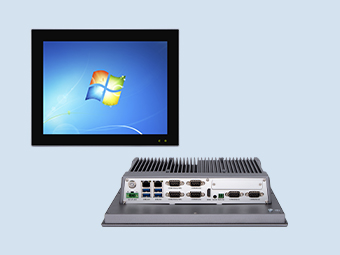
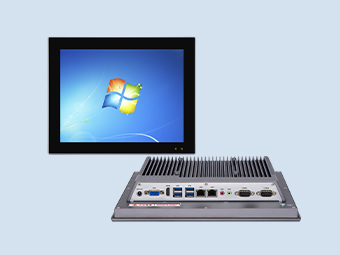
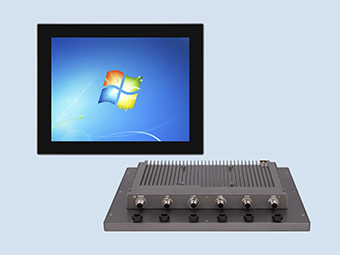
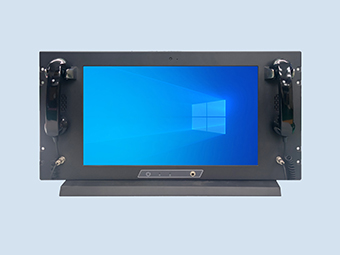
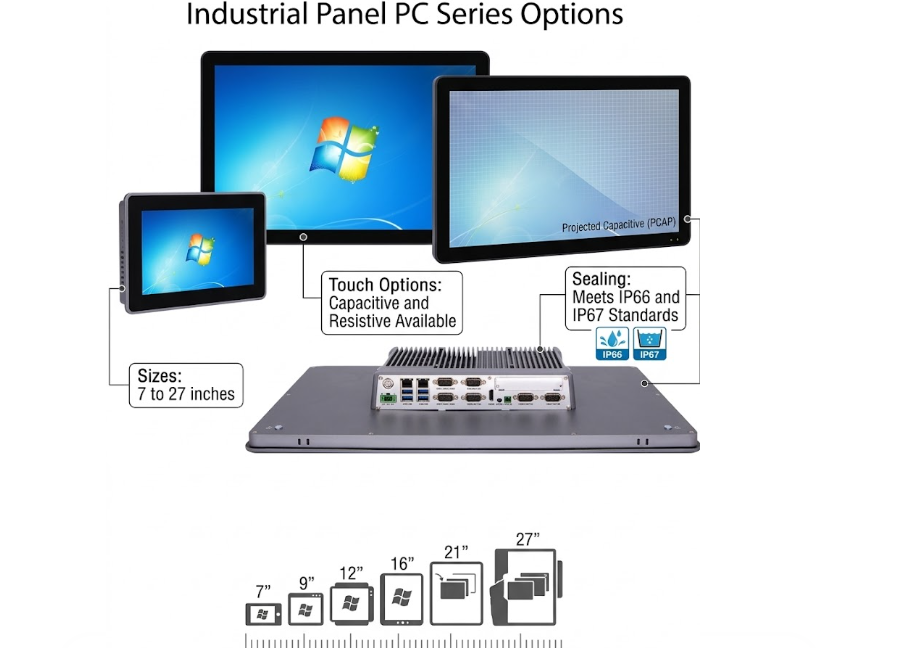
Developed by the Video Electronics Standards Association (VESA), this type of mounting is designed to attach televisions, monitors, and panel displays to compatible mounting hardware. You may already be familiar with this concept from wall-mounted televisions, or perhaps you are reading this on a system featuring dual monitors supported by VESA mounting arms. This type of mounting is frequently used to attach our panel PCs to flexible arms, allowing equipment operators to reposition the devices as needed.Alternatively, since most monitors come equipped with VESA mounting holes, you can mount the device directly to the back of the monitor—even while utilizing the desktop stand originally supplied with the display. This approach is particularly common in workstation environments where space is at a premium. It is crucial to verify that the mounting hole dimensions on your device are compatible with those of your mounting hardware.
Mounting Your Industrial PC on a DIN Rail
DIN rails are a common mounting hardware solution for industrial equipment, utilizing standardized metal strips to support devices. This approach is prevalent in industrial environments because it allows you to arrange multiple devices—such as PLCs, protocol converters, and power supplies—side-by-side within an enclosure. Systems can typically be mounted in one of two ways: with the base positioned flat, or with the unit rotated 90 degrees onto its edge. The optimal orientation depends on your specific application and the available surface area; however, if space is at a premium, edge-mounting is often the best choice. Consider the total available space in relation to the specific devices selected for your system to fully optimize the benefits of DIN rail mounting.Rack-Mount Industrial PCs
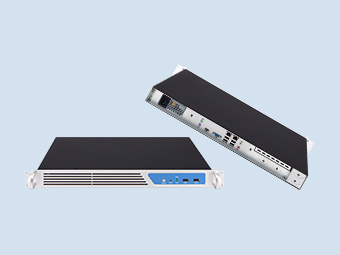
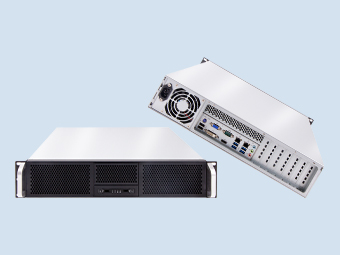
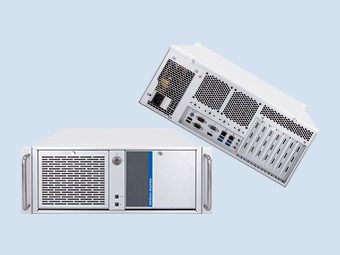
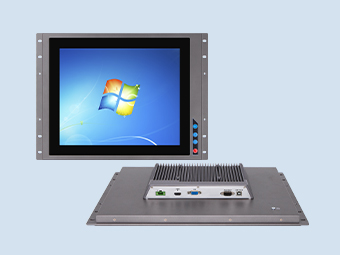
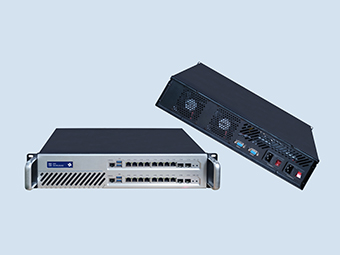
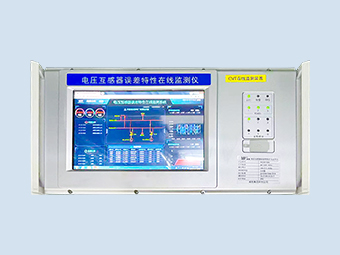
Rack-mount systems—most commonly associated with servers—allow you to utilize your existing rack enclosures. Our series of rack-mount PCs is ready to be installed directly into your cabinet. Please note that rack-mount height is designated in "U" units, with one "U" measuring approximately 1.5 inches. This standardized measurement system ensures you can accurately determine the available space for various devices. If you simply prefer the form factor—specifically a fanless PC housed within a rack-mount chassis—we can integrate many of our slimline industrial PCs into our specialized rack-mount adapters.Selecting the method and location for installing your computer is just as critical as verifying CPU, storage, or power requirements. Depending on your installation site, your system specifications may need to be significantly adjusted. Consider, for instance, the difference between mounting a unit next to a chemical mixer—where it is susceptible to vibration—versus mounting it directly onto the machinery itself.
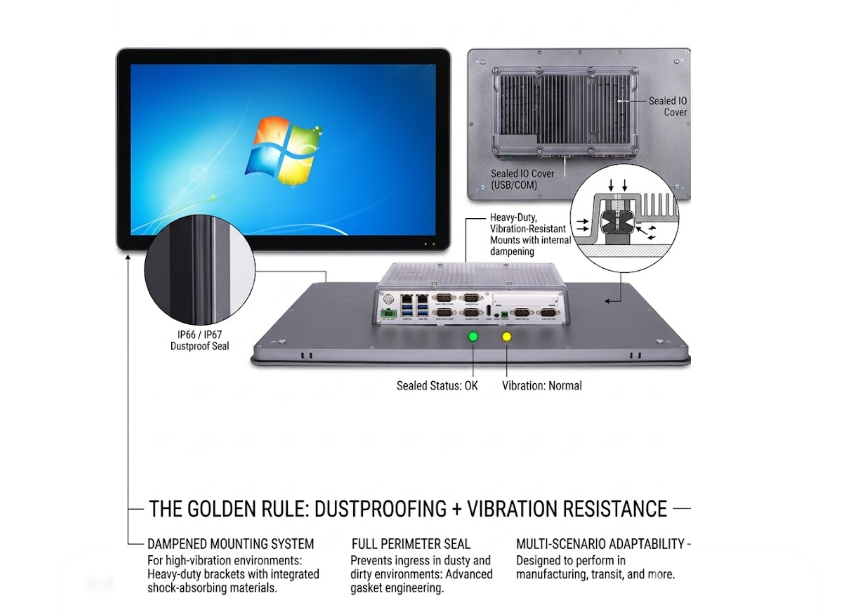
If you are mounting the unit directly onto machinery, you may need to consider a system featuring shock and vibration resistance ratings—along with flush-mounting hardware—rather than a standard VESA-mountable PC situated on a workstation next to a storage tank. Regardless of your specific application, Qiyang can assist you in identifying the ideal PC solution and pairing it with the appropriate mounting options to maximize your system's performance and functionality.
Recommended
.png)